Apple Music downloader.
Free and online.
Paste a song, album or playlist link from Apple Music and save it as MP3 or M4A. No account, no app, no subscription.
TunesLoader never touches Apple's encrypted streams: it finds the same song from public sources and converts it. How it works
Everything you need to save songs from Apple Music
A small, honest tool: paste a link, pick a format, get a file. No account, no app, nothing to install.
Songs, albums, playlists and artists
Paste any Apple Music song, album, playlist or artist link. TunesLoader recognises the type and lists every song in it.
Search instead of copying links
No link handy? Search Apple's catalogue by title or artist and download straight from the results.
M4A or MP3
M4A keeps the original AAC audio with no re-encoding. MP3 at 192 kbps plays on older car stereos and MP3 players.
Free, with fair limits
No subscription and no account. So it stays fast for everyone, each visitor can start 3 downloads a minute and run 3 at once.
Works in any browser
iPhone, iPad, Android, Windows, Mac, Linux and Chromebook. No app, no extension, nothing to install.
Nothing kept for long
Converted files are deleted from our server within about an hour, and with no account there's no download history tied to you.
Save a song from Apple Music in 3 steps
From link to file in about a minute, right in your browser.
1. Copy the link
In Apple Music, tap ••• next to a song, album or playlist, then Share › Copy (Copy Link on a computer).
2. Paste it here
Paste the link into the box above and press Start. TunesLoader shows the songs it found.
3. Download
Pick M4A or MP3, press Get file, then Download when it's ready. That usually takes under a minute.
Paste an album or playlist, get the whole track list
TunesLoader lists every song in an Apple Music album or playlist with its own download button, so you save exactly the songs you want.
- Every song in the album, playlist or artist list
- Download only the songs you want
- Runs in your browser, nothing to install
Where a file beats a stream
Apple Music downloads only play inside Apple's apps while you're subscribed. A plain M4A or MP3 file goes anywhere.
Flights and trips
Keep songs on your phone or laptop for places with no signal, without depending on a subscription staying active.
Car stereos and USB sticks
Plenty of car stereos read MP3 files from a USB stick. Pick MP3 and copy the songs over.
Players without Apple Music
MP3 players, older iPods and some smartwatches can't run Apple Music, but they can play a file.
Workouts
Build a workout mix that keeps playing when the gym Wi-Fi drops.
TunesLoader vs the alternatives
An honest look at where TunesLoader helps, and where Apple Music itself or a paid desktop converter does better.
| Feature | TunesLoader | Apple Music offline | Paid desktop converters |
|---|---|---|---|
| Price | Free (ad-supported) | Monthly subscription | Paid licence |
| Needs an Apple Music subscription | No | Yes | Usually |
| Files you can keep and move | Yes: M4A or MP3 | No: plays only in Apple's apps | Yes |
| Audio quality | AAC (usually 128 kbps) or MP3 192 kbps, from a matched recording | Up to lossless | Up to 256 kbps AAC or lossless, depending on the app |
| Albums and playlists | Every song listed, one button each | Download whole playlists | Batch conversion |
| Install needed | No: runs in the browser | The Music app | A desktop app |
M4A or MP3?
Both come from the same matched recording. The difference is compatibility and file size.
M4A (AAC), recommended
Keeps the recording's original AAC audio, usually 128 kbps, with no re-encoding: no extra quality loss, smaller files and faster downloads. Plays on iPhone, iPad, Mac, Android, Windows and most modern cars.
M4A music downloadMP3 (192 kbps)
Re-encoded at 192 kbps for the widest compatibility: older car stereos, MP3 players, USB sticks and software that only takes MP3. Files are about 50% larger than M4A.
Apple Music to MP3Questions about downloading from Apple Music
How TunesLoader works, what you get, and what it can't do.
More free tools
From the blog
All guides →
How to Download Apple Music to a USB Flash Drive (for Your Car or MP3 Player)
Apple Music's downloads are locked to the app, so dragging them onto a flash drive doesn't work. Here's how to get real MP3 or M4A files onto a USB stick your car will actually read.
October 15, 2026 · 6 min read
How to Download Apple Music Songs to Your Computer (Windows PC and Mac)
There are two very different kinds of “download” for Apple Music on a computer. Here's how each works on Windows and Mac, where the files end up, and which one you actually need.
October 15, 2026 · 5 min read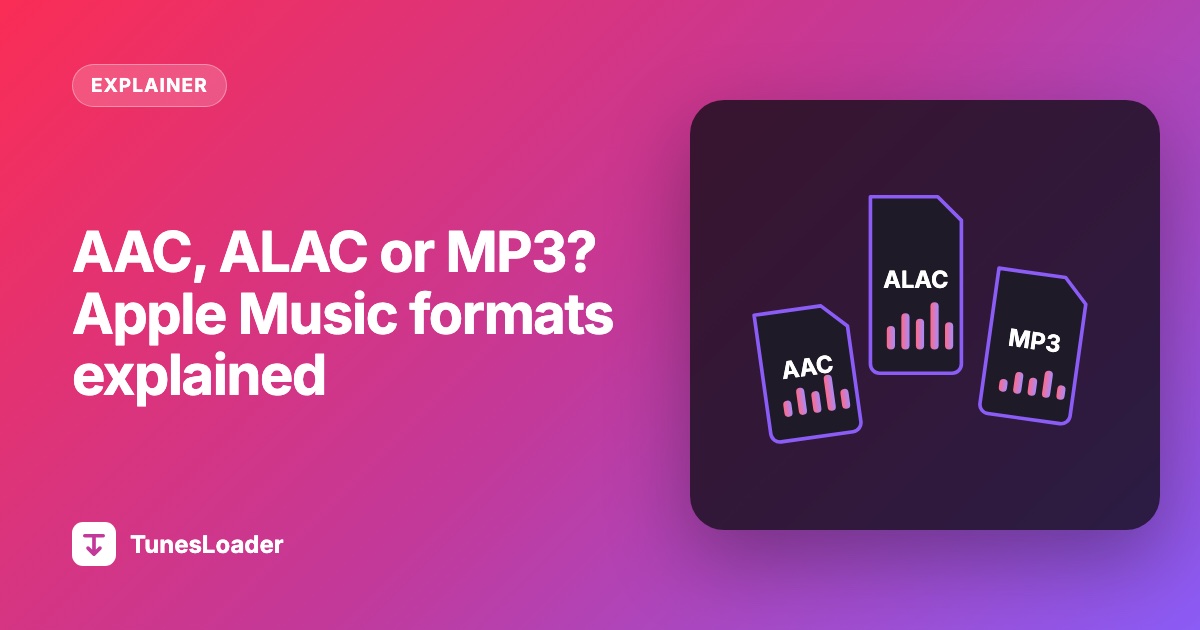
What File Format Does Apple Music Use? AAC, ALAC, MP3 and 320 kbps Explained
AAC, ALAC, M4A, M4P, MP3, 256 or 320 kbps: Apple Music's formats in plain English, and what they mean when you want a file that plays outside Apple's apps.
October 15, 2026 · 5 min readReady to save a song?
Paste an Apple Music link above. It's free and takes about a minute.